iPhone beta
Install GrubLog on your iPhone
Six steps, about two minutes. The beta runs through TestFlight, Apple’s app for trying apps before they’re released.
Step 1 of 6
Get TestFlight
It’s free on the App Store. Tap Get, or the cloud icon if you’ve had it before.
Download TestFlight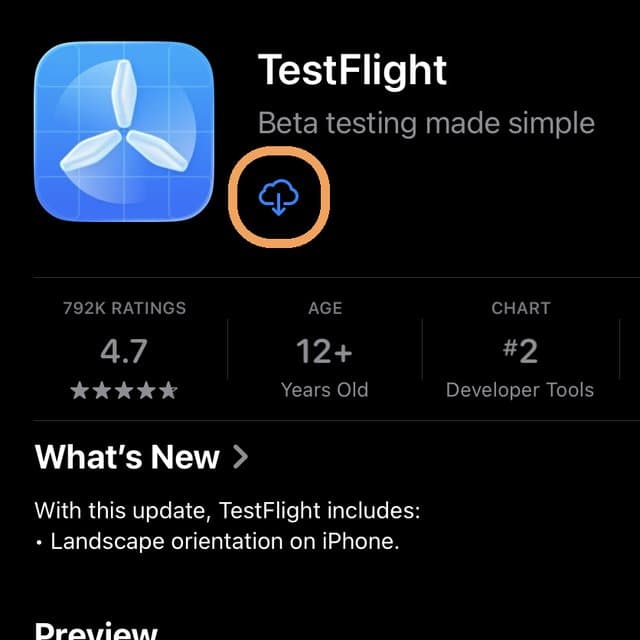
Step 2 of 6
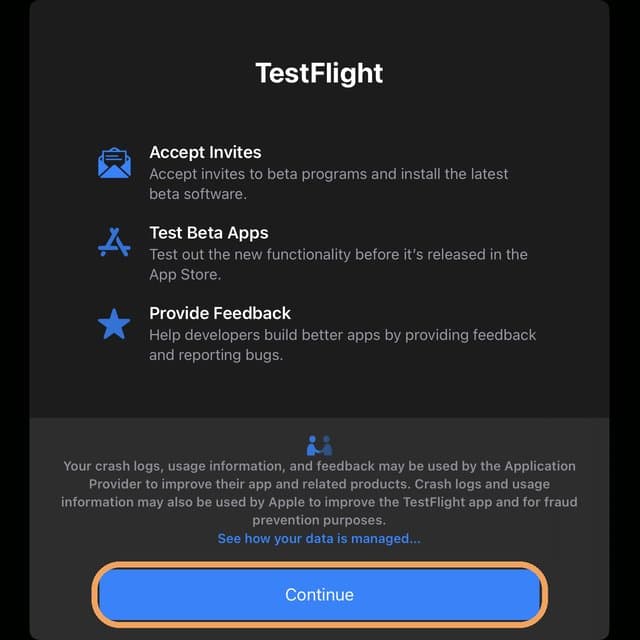
Open TestFlight and tap Continue
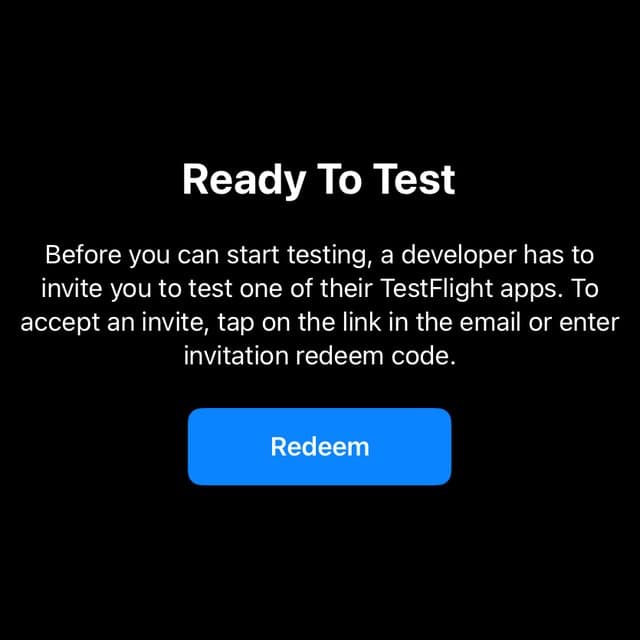
Tap Continue on the welcome screen. When you reach Ready To Test, stop. You don’t need a code. Come back to this page.
Step 3 of 6
Open the GrubLog beta link
This opens GrubLog inside TestFlight.
Open GrubLog in TestFlightDo this on your iPhone. The link doesn’t work on a computer.
Step 4 of 6
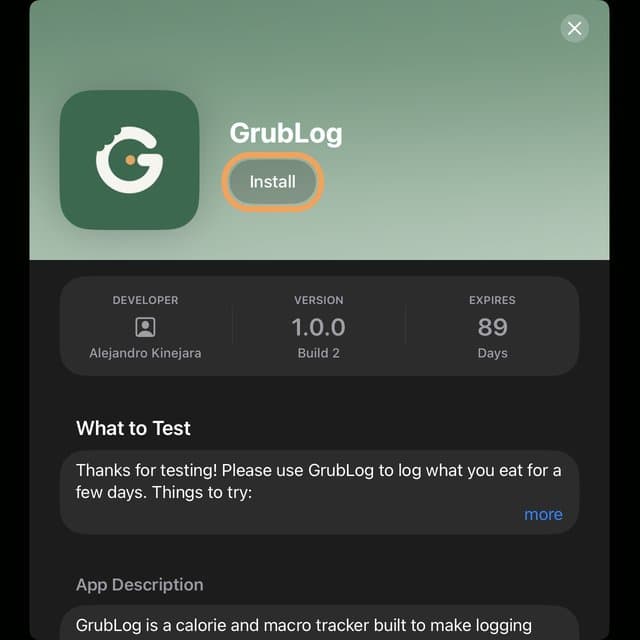
Tap Install, then Open
Tap Install. When it finishes, the button changes to Open. Tap it.
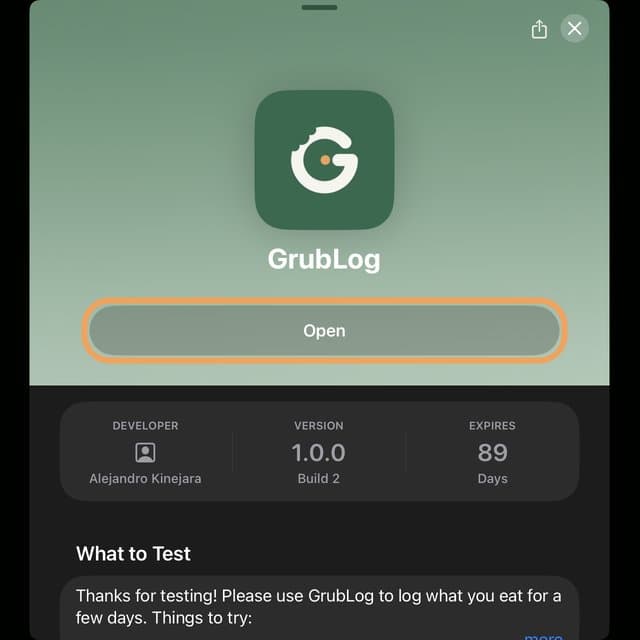
Step 5 of 6
Tap Next, then Start Testing
TestFlight shows a note from us, then how to send feedback. Tap Next, then Start Testing. When GrubLog’s welcome screen appears, you’re in.
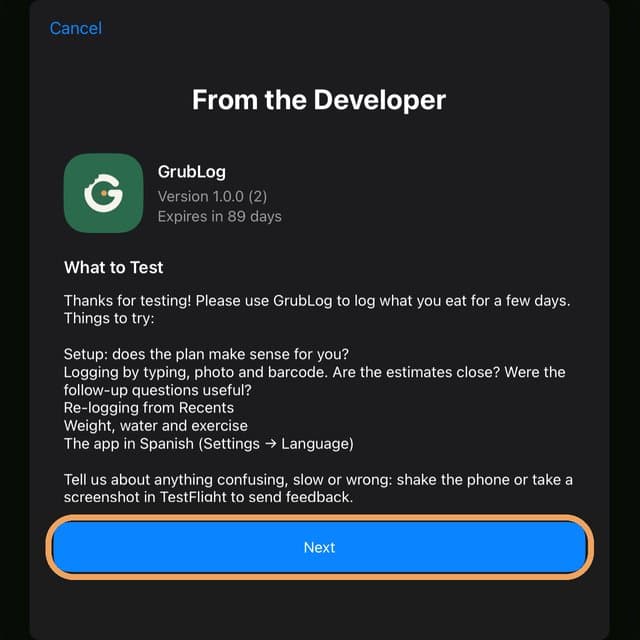
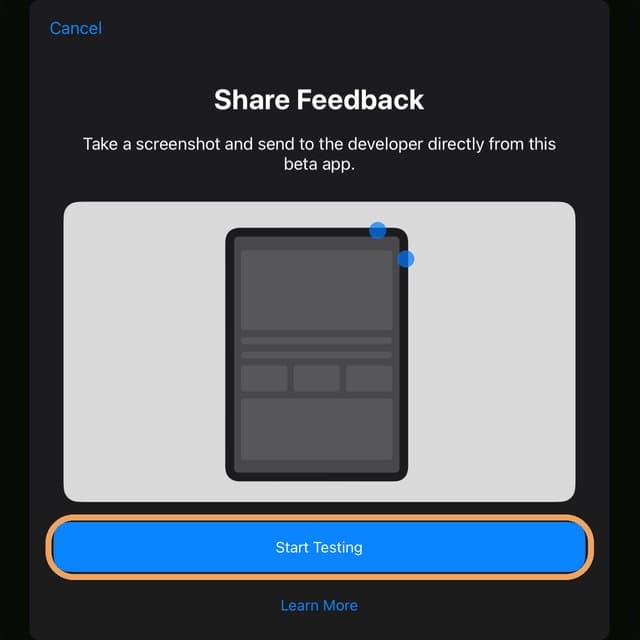
Step 6 of 6
Close GrubLog and open it again
The first time it opens, GrubLog downloads the latest updates in the background. Swipe up from the bottom of the screen and pause, swipe GrubLog away, then open it again from your home screen. Now you’re on the newest version.
Found a bug?
Shake your phone or take a screenshot while you’re in GrubLog. TestFlight will offer to send it to us with a note.
Something not working?
Make sure your iPhone is up to date and you’re signed in to the App Store. Still stuck? Email grublogapp@gmail.com.
On Android? Install the Android beta.